Multi-Agent AI Systems: AutoGen vs CrewAI vs LangGraph

Sep 7, 2024
I spent two weeks building a content generation system with a single LLM.

It worked... sort of. The output was inconsistent. Sometimes brilliant, sometimes garbage. I was constantly tweaking prompts, hoping for better results.

Then I rebuilt it with three specialized agents: one for research, one for writing, one for editing. Each agent focused on what it did best.

The quality jumped immediately. Consistency improved. The system became predictable.

That's the power of multi-agent systems: instead of one AI trying to do everything, you orchestrate multiple AIs, each specialized for a specific task.

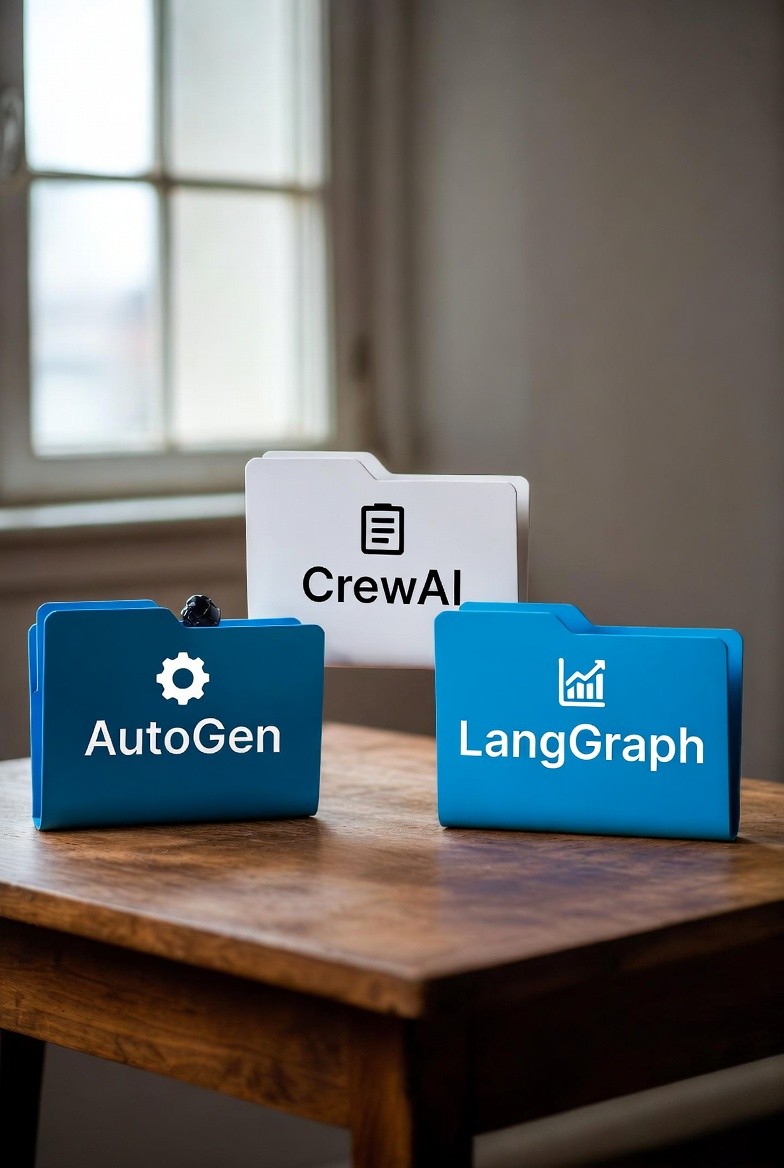
But here's the catch: there are three major frameworks for building these systems—AutoGen, CrewAI, and LangGraph—and they're completely different approaches.

Picking the wrong one will cost you weeks of wasted development time.

Let me show you when to use which framework, what each is actually good at, and how to avoid the mistakes I made so you can build multi-agent systems that actually work.

What the Hell Are Multi-Agent Systems?

Let me start with a simple analogy.

Single LLM approach: You hire one person to research a topic, write an article, edit it, fact-check it, format it, and publish it. They're competent, but stretched thin. Quality varies wildly.

Multi-agent approach: You hire a team:

  • Researcher - Finds sources, pulls data, verifies facts

  • Writer - Creates content based on research

  • Editor - Reviews for quality, fixes issues

  • Publisher - Formats and finalizes

Each person is specialized. They work together. Quality improves. Consistency increases.

That's multi-agent AI.

Why this matters:

Single LLM problems:

  • Jack of all trades, master of none

  • Inconsistent outputs

  • Hard to debug ("why did it fail?")

  • Can't scale complexity

Multi-agent benefits:

  • Specialized agents do what they're best at

  • Clearer separation of concerns

  • Easier to debug (which agent failed?)

  • Can handle complex, multi-step tasks

Real-world example:

I built a system to generate Product Requirement Documents (PRDs).

Single LLM attempt:

"Write a PRD for a mobile app feature"

Result: Generic, missed key sections, inconsistent quality

Multi-agent version:

  • Market Researcher Agent: Analyzes competitors, user needs

  • Product Manager Agent: Defines requirements based on research

  • Technical Architect Agent: Reviews feasibility, suggests implementation

  • Editor Agent: Ensures clarity, completeness, formatting

Result: Professional-grade PRDs every time

The Three Frameworks: Quick Overview

Before we dive deep, here's the 30-second summary:

AutoGen (Microsoft)

Philosophy: Conversational agents that talk to each other

Best for: Research, analysis, complex reasoning tasks

Vibe: Academic, powerful, flexible, steep learning curve

Think: A team having a structured conversation to solve a problem

CrewAI

Philosophy: Crews of agents with defined roles and tasks

Best for: Business workflows, content generation, structured processes

Vibe: Business-friendly, intuitive, opinionated

Think: A company with departments and clear responsibilities

LangGraph

Philosophy: Graph-based workflow with explicit state management

Best for: Complex routing, conditional logic, human-in-the-loop

Vibe: Engineering-focused, maximum control, maximum complexity

Think: A flowchart with decision points and loops

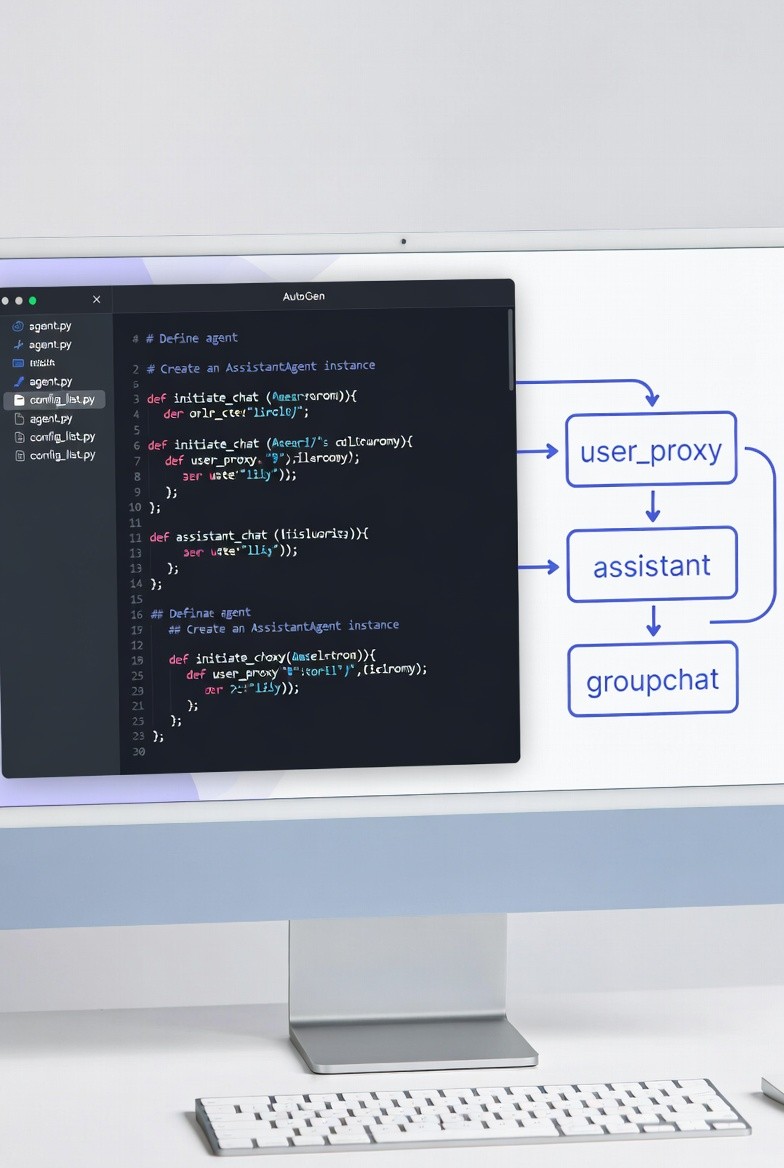
AutoGen: Conversational Agents

What it is: Agents communicate through messages to accomplish tasks

The mental model: Agents are like coworkers chatting in Slack to solve a problem

How AutoGen Works

python

from autogen import AssistantAgent, UserProxyAgent

# Define agents
researcher = AssistantAgent(
    name="Researcher",
    system_message="You are a research specialist. Find and synthesize information.",
    llm_config={"model": "gpt-4"}
)

writer = AssistantAgent(
    name="Writer",
    system_message="You are a content writer. Create engaging articles based on research.",
    llm_config={"model": "gpt-4"}
)

# User proxy (represents you)
user = UserProxyAgent(
    name="User",
    human_input_mode="NEVER",  # Fully automated
    max_consecutive_auto_reply=10
)

# Start conversation
user.initiate_chat(
    researcher,
    message="Research the latest developments in quantum computing"
)

# Researcher responds, writer picks up, they collaborate

What happens:

  1. User asks researcher to research quantum computing

  2. Researcher finds information, summarizes findings

  3. Researcher can ask writer to create content

  4. Writer creates article based on research

  5. They can go back and forth until task is complete

Key concepts:

1. Agents communicate via messages

python

# Agents send messages to each other
researcher.send(
    message="Here's what I found: [research data]",
    recipient=writer
)

2. Conversations can be group or two-way

python

from autogen import GroupChat, GroupChatManager

# Multiple agents in a group chat
groupchat = GroupChat(
    agents=[researcher, writer, editor, critic],
    messages=[],
    max_round=10
)

manager = GroupChatManager(groupchat=groupchat)

3. Human-in-the-loop support

python

user = UserProxyAgent(
    name="User",
    human_input_mode="TERMINATE",  # Ask human when agent wants to stop
    is_termination_msg=lambda x: "TERMINATE" in x.get("content", "")
)

When to Use AutoGen

Good for:

  • Research and analysis tasks

  • Code generation with debugging

  • Complex problem-solving requiring iteration

  • When agents need to question each other

  • Academic or exploratory work

Not ideal for:

  • Simple linear workflows

  • Strictly defined business processes

  • When you need tight control over flow

  • Production systems requiring predictability

AutoGen Example: Code Review System

python

from autogen import AssistantAgent, UserProxyAgent

# Define specialized agents
code_reviewer = AssistantAgent(
    name="CodeReviewer",
    system_message="""You are a senior software engineer reviewing code.
    Focus on:
    - Performance issues
    - Security vulnerabilities
    - Best practices
    - Code readability
    
    Provide specific, actionable feedback.""",
    llm_config={"model": "gpt-4"}
)

code_fixer = AssistantAgent(
    name="CodeFixer",
    system_message="""You are a developer who fixes code based on review feedback.
    Make the requested changes and explain what you fixed.""",
    llm_config={"model": "gpt-4"}
)

user = UserProxyAgent(
    name="User",
    human_input_mode="NEVER",
    code_execution_config={"work_dir": "coding"}
)

# Start code review
code_to_review = """
def calculate_total(items):
    total = 0
    for i in range(len(items)):
        total = total + items[i]['price']
    return total
"""

user.initiate_chat(
    code_reviewer,
    message=f"Review this code:\n\n{code_to_review}"
)

# Reviewer critiques, fixer improves, they iterate
```

**Output:**
```
Reviewer: "The code works but has issues:
1. Uses range(len()) antipattern
2. No error handling for missing 'price' key
3. Could use sum() with generator
4. No type hints"

Fixer: "Here's the improved version:

def calculate_total(items: list[dict]) -> float:
    try:
        return sum(item['price'] for item in items)
    except (KeyError, TypeError) as e:
        raise ValueError(f'Invalid item format: {e}')
        
Changes made:
- Added type hints
- Used sum() with generator expression
- Added error handling
- More

AutoGen Pros & Cons

Pros:

  • ✅ Flexible conversation flow

  • ✅ Agents can challenge each other (better outputs)

  • ✅ Great for exploratory tasks

  • ✅ Human-in-the-loop is natural

  • ✅ Code execution built-in

Cons:

  • ❌ Conversations can go off-track

  • ❌ Hard to predict how many messages/tokens used

  • ❌ Debugging conversations is painful

  • ❌ Not ideal for production (unpredictable)

  • ❌ Steep learning curve

CrewAI: Business-Focused Workflows

What it is: Define a crew of agents with roles, goals, and tasks

The mental model: Your agents are employees in a company with job descriptions

How CrewAI Works

python

from crewai import Agent, Task, Crew

# Define agents with roles
researcher = Agent(
    role='Market Researcher',
    goal='Find comprehensive information about the topic',
    backstory='You are an experienced researcher with 10 years in tech analysis.',
    verbose=True,
    allow_delegation=False
)

writer = Agent(
    role='Content Writer',
    goal='Create engaging, well-structured articles',
    backstory='You are a professional writer specializing in technical content.',
    verbose=True,
    allow_delegation=False
)

# Define tasks
research_task = Task(
    description='Research the latest AI trends in 2025',
    agent=researcher,
    expected_output='Detailed research report with sources'
)

writing_task = Task(
    description='Write a 1000-word article based on the research',
    agent=writer,
    expected_output='Publication-ready article',
    context=[research_task]  # Depends on research task
)

# Create crew
crew = Crew(
    agents=[researcher, writer],
    tasks=[research_task, writing_task],
    verbose=True
)

# Execute
result = crew.kickoff()

What happens:

  1. Researcher executes research_task

  2. Output becomes context for writing_task

  3. Writer creates article based on research

  4. Linear, predictable flow

Key concepts:

1. Agents have roles and backstories

python

agent = Agent(
    role='Senior Data Analyst',
    goal='Provide actionable insights from data',
    backstory='10 years analyzing e-commerce data at Fortune 500 companies',
    tools=[search_tool, calculator_tool]
)

2. Tasks are explicit and sequential

python

task1 = Task(description='Do X', agent=agent1)
task2 = Task(description='Do Y based on X', agent=agent2, context=[task1])
# task2 waits for task1 to complete

3. Crews execute tasks in order

python

crew = Crew(
    agents=[agent1, agent2, agent3],
    tasks=[task1, task2, task3],
    process=Process.sequential  # Or Process.hierarchical
)

When to Use CrewAI

Good for:

  • Content generation pipelines

  • Business workflows with clear steps

  • Marketing and sales automation

  • When you need predictable outputs

  • Production systems

Not ideal for:

  • Complex conditional logic

  • When agents need to debate/iterate

  • Research requiring back-and-forth

  • Code generation with debugging loops

CrewAI Example: Blog Post Factory

python

from crewai import Agent, Task, Crew, Process
from langchain.tools import Tool

# Define agents
seo_researcher = Agent(
    role='SEO Specialist',
    goal='Find high-traffic keywords and topics',
    backstory='Expert in SEO with deep understanding of search trends',
    tools=[search_tool],
    verbose=True
)

content_writer = Agent(
    role='Content Writer',
    goal='Write engaging, SEO-optimized blog posts',
    backstory='Professional blogger with 5+ years experience',
    verbose=True
)

editor = Agent(
    role='Editor',
    goal='Polish content for quality and readability',
    backstory='Senior editor at major tech publications',
    verbose=True
)

# Define tasks
keyword_research = Task(
    description="""Research keywords for topic: {topic}
    
    Find:
    - Primary keyword (high volume, low competition)
    - 5-10 secondary keywords
    - Related questions people ask
    - Competitor analysis
    
    Output format: Structured report""",
    agent=seo_researcher,
    expected_output='SEO keyword research report'
)

writing = Task(
    description="""Write a 1500-word blog post on {topic}
    
    Requirements:
    - Use keywords from research naturally
    - Include H2 and H3 headings
    - Write in conversational tone
    - Include examples
    - Add meta description (150 chars)
    
    Output: Complete article""",
    agent=content_writer,
    context=[keyword_research],
    expected_output='Draft blog post'
)

editing = Task(
    description="""Edit the blog post for:
    
    - Grammar and spelling
    - Readability (aim for 8th grade level)
    - Flow and structure
    - SEO optimization
    - Fact-checking
    
    Output: Publication-ready article""",
    agent=editor,
    context=[writing],
    expected_output='Final polished article'
)

# Create crew
blog_crew = Crew(
    agents=[seo_researcher, content_writer, editor],
    tasks=[keyword_research, writing, editing],
    process=Process.sequential,
    verbose=True
)

# Generate blog post
result = blog_crew.kickoff(inputs={'topic': 'AI in Healthcare 2025'})

print(result)

Output: Professional blog post with SEO optimization, proper structure, polished writing

CrewAI Pros & Cons

Pros:

  • ✅ Intuitive, business-friendly API

  • ✅ Predictable, sequential workflows

  • ✅ Easy to understand and debug

  • ✅ Great for production

  • ✅ Clear task dependencies

Cons:

  • ❌ Limited flexibility (mostly linear)

  • ❌ No complex routing or loops

  • ❌ Agents can't really collaborate (just pass results)

  • ❌ Not ideal for research/exploration

  • ❌ Less control over conversation flow

LangGraph: Maximum Control, Maximum Complexity

What it is: Build workflows as graphs with nodes (agents) and edges (transitions)

The mental model: A flowchart with conditional branches and loops

How LangGraph Works

python

from langgraph.graph import StateGraph, END
from typing import TypedDict, Annotated
import operator

# Define state
class AgentState(TypedDict):
    messages: Annotated[list, operator.add]
    next_agent: str
    research_data: dict
    article: str

# Define agent functions
def researcher(state):
    # Do research
    research_data = do_research(state['messages'][-1])
    return {
        "research_data": research_data,
        "next_agent": "writer"
    }

def writer(state):
    # Write article based on research
    article = write_article(state['research_data'])
    return {
        "article": article,
        "next_agent": "quality_check"
    }

def quality_check(state):
    # Check if article is good enough
    if is_good_quality(state['article']):
        return {"next_agent": "end"}
    else:
        return {"next_agent": "writer"}  # Loop back

# Build graph
workflow = StateGraph(AgentState)

# Add nodes
workflow.add_node("researcher", researcher)
workflow.add_node("writer", writer)
workflow.add_node("quality_check", quality_check)

# Add edges
workflow.add_edge("researcher", "writer")
workflow.add_edge("writer", "quality_check")

# Conditional edge
workflow.add_conditional_edges(
    "quality_check",
    lambda x: x["next_agent"],
    {
        "writer": "writer",  # Loop back if quality bad
        "end": END            # Finish if quality good
    }
)

# Set entry point
workflow.set_entry_point("researcher")

# Compile
app = workflow.compile()

# Run
result = app.invoke({
    "messages": ["Research AI trends"],
    "next_agent": "researcher"
})

What happens:

  1. Researcher node executes

  2. Transitions to writer node

  3. Writer creates article

  4. Quality_check evaluates

  5. If bad → loops back to writer

  6. If good → ends

Key concepts:

1. State is explicit and shared

python

class State(TypedDict):
    user_input: str
    research: dict
    draft: str
    feedback: list
    iterations: int

2. Nodes are functions that modify state

python

def my_node(state: State) -> State:
    # Do work
    new_data = process(state['user_input'])
    # Return state updates
    return {"research": new_data}

3. Edges define flow (including conditional)

python

# Simple edge
graph.add_edge("node_a", "node_b")

# Conditional edge
graph.add_conditional_edges(
    "decision_node",
    lambda state: "path_a" if state['score'] > 0.8 else "path_b",
    {
        "path_a": "node_c",
        "path_b": "node_d"
    }
)

4. Loops and cycles are explicit

python

# Can loop back
graph.add_conditional_edges(
    "review",
    lambda s: "revise" if not s['approved'] else END,
    {"revise": "writer", END: END}
)

When to Use LangGraph

Good for:

  • Complex conditional workflows

  • Human-in-the-loop at specific points

  • When you need loops and retries

  • State management is critical

  • Production systems with complex logic

Not ideal for:

  • Simple linear workflows (overkill)

  • Quick prototypes (too much boilerplate)

  • When simplicity matters more than control

LangGraph Example: Customer Support Escalation

python

from langgraph.graph import StateGraph, END
from typing import TypedDict

class SupportState(TypedDict):
    customer_message: str
    category: str
    sentiment: str
    response: str
    escalate: bool
    solved: bool

# Agent functions
def categorize(state):
    """Categorize the support request"""
    category = classify_category(state['customer_message'])
    sentiment = analyze_sentiment(state['customer_message'])
    
    return {
        "category": category,
        "sentiment": sentiment
    }

def auto_respond(state):
    """Try to auto-respond for simple issues"""
    if state['category'] in ['password_reset', 'account_info']:
        response = generate_auto_response(state)
        return {
            "response": response,
            "solved": True,
            "escalate": False
        }
    else:
        return {"escalate": True}

def human_agent(state):
    """Escalate to human"""
    # In real system, this would notify human agent
    response = f"Escalated to human agent. Category: {state['category']}"
    return {
        "response": response,
        "solved": True
    }

def route_after_categorize(state):
    """Decide whether to auto-respond or escalate"""
    if state['sentiment'] == 'angry' or state['category'] == 'billing':
        return "human_agent"
    else:
        return "auto_respond"

def route_after_auto_respond(state):
    """Check if issue was solved"""
    if state.get('escalate', False):
        return "human_agent"
    elif state.get('solved', False):
        return END
    else:
        return "auto_respond"  # Try again

# Build graph
workflow = StateGraph(SupportState)

# Add nodes
workflow.add_node("categorize", categorize)
workflow.add_node("auto_respond", auto_respond)
workflow.add_node("human_agent", human_agent)

# Add edges
workflow.add_conditional_edges(
    "categorize",
    route_after_categorize,
    {
        "auto_respond": "auto_respond",
        "human_agent": "human_agent"
    }
)

workflow.add_conditional_edges(
    "auto_respond",
    route_after_auto_respond,
    {
        "human_agent": "human_agent",
        END: END,
        "auto_respond": "auto_respond"
    }
)

workflow.add_edge("human_agent", END)

# Set entry
workflow.set_entry_point("categorize")

# Compile
support_system = workflow.compile()

# Test
result = support_system.invoke({
    "customer_message": "I can't log in to my account!",
    "category": "",
    "sentiment": "",
    "response": "",
    "escalate": False,
    "solved": False
})

print(result['response'])

What this enables:

  • Simple issues → auto-resolved

  • Complex/angry → escalated to human

  • Failed auto-response → escalated

  • Clear routing logic

  • State tracks everything

LangGraph Pros & Cons

Pros:

  • ✅ Maximum control over flow

  • ✅ Explicit state management

  • ✅ Can handle complex routing

  • ✅ Loops and retries built-in

  • ✅ Great for production

Cons:

  • ❌ Steep learning curve

  • ❌ Lots of boilerplate

  • ❌ Overkill for simple workflows

  • ❌ Debugging is complex

  • ❌ More code to maintain

Head-to-Head Comparison

Let me show you the same task implemented in all three frameworks:

Task: Research a topic, write an article, review it, revise if needed

AutoGen Implementation

python

from autogen import AssistantAgent, UserProxyAgent

researcher = AssistantAgent(name="Researcher", ...)
writer = AssistantAgent(name="Writer", ...)
critic = AssistantAgent(name="Critic", ...)

user = UserProxyAgent(name="User", human_input_mode="NEVER")

# Agents figure out the flow through conversation
user.initiate_chat(researcher, message="Research AI trends")

Pros: Flexible, agents can iterate naturally
Cons: Unpredictable, might go off-track
Best for: Exploratory research

CrewAI Implementation

python

from crewai import Agent, Task, Crew

researcher = Agent(role='Researcher', ...)
writer = Agent(role='Writer', ...)
critic = Agent(role='Critic', ...)

research = Task(agent=researcher, description="Research...")
write = Task(agent=writer, description="Write...", context=[research])
review = Task(agent=critic, description="Review...", context=[write])

crew = Crew(agents=[...], tasks=[research, write, review])
result = crew.kickoff()

Pros: Clean, predictable, easy to understand
Cons: No revision loop, one-shot only
Best for: Content production pipeline

LangGraph Implementation

python

from langgraph.graph import StateGraph, END

def researcher(state): ...
def writer(state): ...
def reviewer(state): ...

workflow = StateGraph(State)
workflow.add_node("researcher", researcher)
workflow.add_node("writer", writer)
workflow.add_node("reviewer", reviewer)

workflow.add_edge("researcher", "writer")
workflow.add_edge("writer", "reviewer")

# Conditional: revise or finish
workflow.add_conditional_edges(
    "reviewer",
    lambda s: "writer" if not s['approved'] else END,
    {"writer": "writer", END: END}
)

app = workflow.compile()

Pros: Revision loop, explicit control
Cons: Most code, most complexity
Best for: Production system with quality gates

Decision Matrix: Which Framework to Use

Use AutoGen When:

  • ✅ Research and exploration

  • ✅ Code generation with debugging

  • ✅ Agents need to question/challenge each other

  • ✅ You're okay with unpredictability

  • ✅ Human oversight is available

Examples:

  • Academic research

  • Complex problem-solving

  • Code review systems

  • Data analysis exploration

Use CrewAI When:

  • ✅ Clear, linear workflows

  • ✅ Content generation at scale

  • ✅ Business processes

  • ✅ You need predictability

  • ✅ Production content pipelines

Examples:

  • Blog post generation

  • Marketing content creation

  • Report writing

  • SEO content pipelines

Use LangGraph When:

  • ✅ Complex conditional logic

  • ✅ Loops and retries needed

  • ✅ Human-in-the-loop at specific points

  • ✅ State management is critical

  • ✅ Production systems with complex routing

Examples:

  • Customer support automation

  • Multi-step approval workflows

  • Quality control systems

  • Complex decision trees

Common Mistakes to Avoid

Mistake #1: Using Multiple Frameworks

Don't:

python

# Mixing frameworks
autogen_agent = AssistantAgent(...)
crewai_agent = Agent(...)  # Don't mix!

Do:

python

# Pick one framework and stick with it
# They don't play well together

Mistake #2: Over-Engineering with LangGraph

Don't:

python

# Simple linear workflow in LangGraph - overkill!
workflow = StateGraph(State)
workflow.add_node("a", a)
workflow.add_node("b", b)
workflow.add_edge("a", "b")
# Just use CrewAI for this!

Do:

python

# Use LangGraph when you actually need complex routing
workflow.add_conditional_edges(...)
workflow.add_edge("node", "loop_back")

Mistake #3: Not Managing Costs

Don't:

python

# AutoGen with no limits
user = UserProxyAgent(
    max_consecutive_auto_reply=100  # Could cost $$$
)

Do:

python

# Set reasonable limits
user = UserProxyAgent(
    max_consecutive_auto_reply=5,  # Limit iterations
    human_input_mode="TERMINATE"   # Human can stop
)

Mistake #4: Unclear Agent Roles

Don't:

python

# Vague role
agent = Agent(
    role="Helper",  # Too generic!
    goal="Do stuff"
)

Do:

python

# Specific role
agent = Agent(
    role="Senior Python Developer specializing in data pipelines",
    goal="Write production-ready, well-tested Python code",
    backstory="10 years building ETL systems at scale"
)

Conclusion

Multi-agent systems aren't just hype. They're genuinely better for complex tasks.

The frameworks:

AutoGen = Flexible conversations, exploratory work
CrewAI = Structured workflows, predictable outputs
LangGraph = Maximum control, complex routing

Choose based on:

  • Predictability needs

  • Workflow complexity

  • Production vs exploration

  • Development time available

My recommendation:

Start with CrewAI for most business use cases. It's the easiest to learn and works for 80% of scenarios.

Level up to LangGraph when you hit CrewAI's limits (need loops, complex routing, etc.)

Use AutoGen for research and exploration where flexibility matters more than predictability.

Don't use all three. Pick one. Master it. Ship it.

Want to see these in action?

Check out my multi-agent projects:

  • PRD Generator (AutoGen)

  • Content Pipeline (CrewAI)

  • Support System (LangGraph)

GitHub: github.com/Shodexco

Questions? Let's connect:

Now go build your agent army. Just pick the right framework first.

About the Author

Jonathan Sodeke is a Data Engineer and ML Engineer who builds production AI systems with multi-agent frameworks. He's shipped systems using AutoGen, CrewAI, and LangGraph, and learned which to use when (the hard way).

When he's not orchestrating AI agents at 2am, he's writing about practical AI development and teaching others to build systems that actually work.

Portfolio: jonathansodeke.framer.website
GitHub: github.com/Shodexco
LinkedIn: www.linkedin.com/in/jonathan-sodeke
Sign Up To My Newsletter

Get notified when a new article is posted.

Sign Up To My Newsletter

Get notified when a new article is posted.

Sign Up To My Newsletter

Get notified when a new article is posted.

© Jonathan Sodeke 2025

© Jonathan Sodeke 2025

© Jonathan Sodeke 2025

Create a free website with Framer, the website builder loved by startups, designers and agencies.